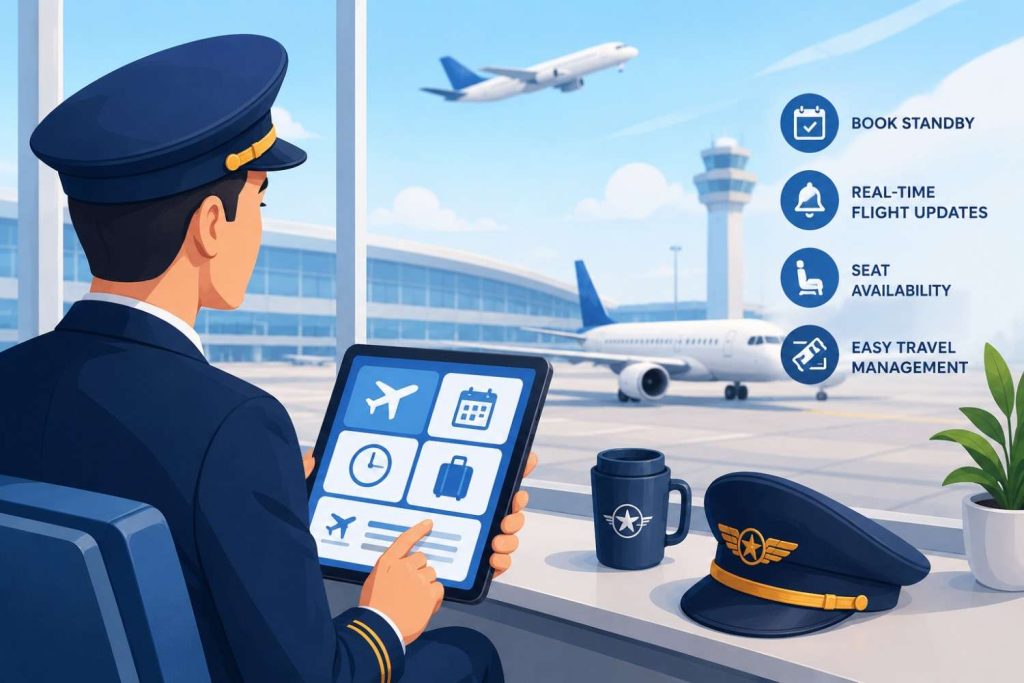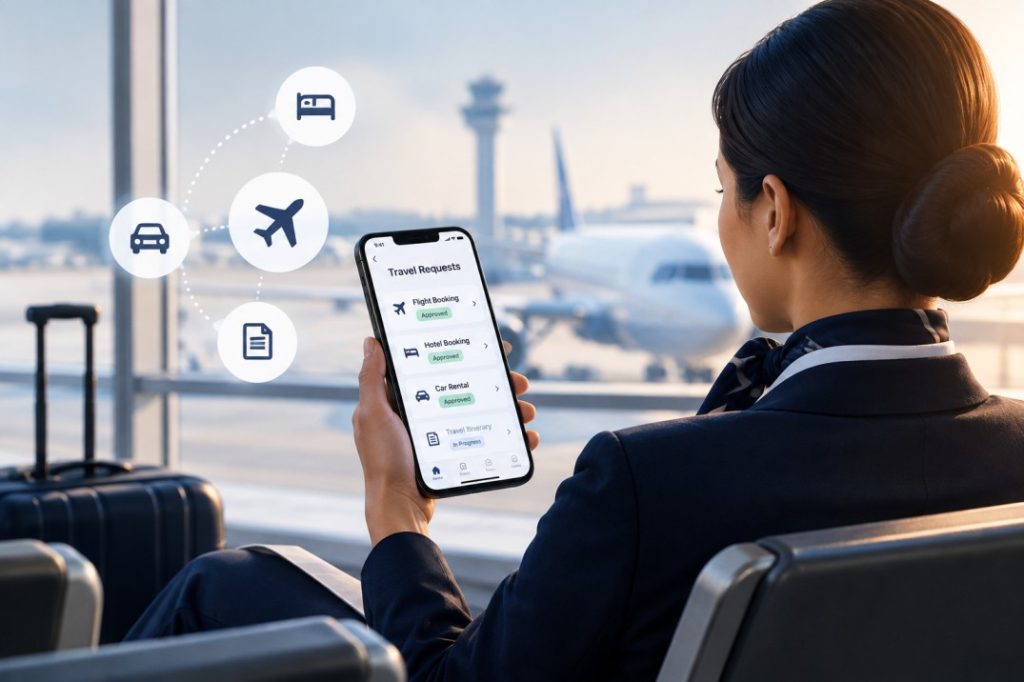
Ask anyone who flies standby and they’ll tell you the actual flight isn’t the hard part. It’s everything that happens before it: watching seat counts, tracking a companion’s status, and filing requests through systems that feel built for a different decade. Juggle a few carriers, a rotating shift schedule, and a family member’s travel plans, and the trip you were looking forward to starts to feel like unpaid admin work. A dedicated airline employee standby app fixes the actual bottleneck. Rather than toggling between a spreadsheet, an airline’s website, and a text thread with a coworker, employees get one place to check flight loads, file a request, and see where it stands. This piece covers how airline staff can cut down on that overhead, what technology does well for tracking flight loads, and a few habits that make the whole process less of a guessing game.
How Airline Employees Can Simplify Standby Travel Requests
For a long time, standby travel meant cobbling together bits of information from wherever you could find them. Call crew scheduling, check the carrier’s site, ask a coworker who flew that route last week. Throw in interline agreements, buddy passes, and family travel privileges, and airline employee request management turned into a mess of spreadsheets, group texts, and half-remembered rules.
Fixing that starts with putting requests in one place employees can actually trust. Verify employment once, not every single time a request goes in. Priority, companions, date changes: these should take a few taps, not a call to a scheduling desk.
The real payoff is knowing where things stand. Pending, confirmed, bumped by a schedule change, whatever it is, seeing it clearly means less time worrying and more time actually planning the trip. The point was never to add more steps to the process. It’s about cutting the ones that shouldn’t have been there in the first place.
Using Technology to Track Flight Loads and Travel Requests
Flight loads don’t sit still. A route that’s wide open Monday morning can be tight by Wednesday once crew rotations, waitlists, and last-minute bookings do their thing. Anyone tracking this from memory, or from a note scribbled after a phone call, is going to miss the window more often than not.
This is exactly the gap a flight load tracking app closes. Pull live numbers, put them in front of the employee, and skip the guessing. Compare a couple of routes side by side, check current loads before leaving the house, and show up with an actual sense of your odds instead of a hunch. During holiday weeks or big travel spikes, when standby lists stretch long and seats vanish fast, that difference matters even more.
What separates the best standby travel app for airline employees from a basic load-checker is putting both jobs, tracking and requesting, on the same screen. No flipping between one app to check availability and another to file the request. Fewer steps, fewer tabs, and a clearer read on where a trip actually stands before anyone leaves for the airport.
None of this erases the uncertainty that comes baked into standby flying. It just means employees are working with real numbers instead of best guesses, and that alone changes how a trip goes more often than people expect. A ten-minute check before leaving home has saved plenty of employees a wasted trip to the airport.
Best Practices for Managing Airline Employee Travel Efficiently
Good tools help, but a handful of habits do the rest of the work.
Submit requests early. Loads shift daily, and an early request often means better placement on the list.
Keep travel details updated. A last-minute companion or a date swap the night before tends to slow the request down more than people expect.
Check loads before leaving for the airport, not after you get there. A two-minute look beforehand beats standing around wondering why the flight closed out.
Set alerts for schedule changes. Flights get reassigned or canceled, and knowing early gives more time to adjust.
Keep a backup flight in mind. Plans rarely hold exactly as expected, so having a second option takes some of the pressure off if the first one doesn’t pan out.
None of these take much effort individually. Together, they turn standby travel from a game of chance into a process employees can actually manage. Pairing these habits with a tool built specifically for airline staff, rather than a generic travel app, makes the difference even bigger, since purpose-built tools understand standby priority, interline rules, and shift-based availability in ways that general booking apps simply don’t.
Final Thoughts
Standby travel will always carry some uncertainty. Flight loads shift, priorities change, and last-minute plans are part of the deal. What doesn’t have to be uncertain is how airline employees manage the process itself. With the right combination of technology and habits, tracking flight loads and submitting requests can become one of the easiest parts of the trip instead of the most stressful. Employees who treat standby travel as something worth organizing, instead of something to figure out in the moment, tend to get more out of the privilege long term. Maybe that’s a dedicated app, maybe it’s just a routine that actually sticks, maybe it’s both. Either way, less time wrestling with the process means more time on the actual trip, which was the point of standby travel to begin with.
Frequently Asked Questions
Q1: How can airline employees manage travel requests more efficiently?
A: Start with the basics: file requests early, keep your details current, and check flight loads before you leave for the airport rather than after you’re already there. Most of the improvement, though, comes from swapping the spreadsheet-and-phone-call approach for a dedicated airline employee standby app that keeps everything, requests, status, loads, in one place and updates it in real time.
Q2: What makes standby travel management difficult for airline employees?
A: The difficulty usually comes from fragmented information. Flight loads change throughout the day, request systems vary between airlines and interline partners, and there’s often no single place to track where a request stands. Without a reliable system, airline employee request management turns into a mix of guesswork, phone calls, and outdated information, which makes it hard to plan with any confidence.
Q3: Can a standby travel app help airline employees track travel requests?
A: Yes, and it’s usually the biggest upgrade over a manual system. A solid app lets employees file, edit, and check on requests without bouncing between tools. The best standby travel app for airline employees goes further by pairing request status with live flight load numbers, so you’re not just seeing where your request sits, you’re seeing how likely it is to actually clear.
Q4: Why is real-time flight information important for airline staff travel?
A: Because loads can swing a lot in just a few hours, especially as departure gets closer. Real-time data means employees are working off what’s actually true right now, not a number from this morning, which makes it easier to decide whether to head in, adjust plans, or wait it out. Old data on a moving target is close to useless.
Q5: What should airline employees look for in a travel request management app?
A: Look for a flight load tracking app that combines live seat data with request submission in one place, rather than separate tools for each task. Verified employee access, clear request status updates, and support for companions or family travel privileges are also worth checking for. The goal is a single, dependable system that removes the guesswork from standby travel.